Frequently Asked Questions
Find answers to common questions about MG Alice AI.
Alice is a Discord bot and AI assistant built by Professor Ashe. She supports Nikke-related features, community utilities, and companion-style chat.
Click “Add Bot” on this website, select your server, and authorize the requested permissions.
Use commands or mention Alice and ask your question. Examples:
@Alice what's my usage?@Alice is this Nikke good?
Common commands include:
/usage– Generate your Usage Card./bond– View your bond information and related features./co_op– Start a co-op session./co_op_setup– Configure co-op settings (admin)./report_error– Report an issue to the developer./alice_leaderboard– Post your server's Alice Challenge leaderboard./my_alice_stats– See your own Alice Challenge card.
Games don't need a command — just ask, e.g. @Alice let's play chess or @Alice let's play a challenge.
Yes! Alice can play four games with you in Discord:
- Tic-Tac-Toe – the classic 3×3 grid.
- Connect Four – line up four pieces before Alice does.
- Bunny Bluff– Liar's Dice: bid, bluff, and call Alice out.
- Chess – a full game of chess (Chessbowl).
See every board on the Games page.
Just mention Alice and ask her to play — no special command needed. Examples:
@Alice let's play chess@Alice let's play tic-tac-toe@Alice let's play connect four@Alice let's play bunny bluff
A run of 10 tries against Alice for points. Start it with @Alice let's play a challenge, then pick a game for each try.
- Wins and draws earn points — Chess wins are worth the most (15).
- Each game gives points for up to 3 good results per run, then it locks.
- Finish within 24 hours — tries you don't play count as losses.
- Each try costs a little more Energy than a normal game (7–12).
All the details are on the Games page.
/alice_leaderboardposts your server's board once — Alice keeps that same board up to date every time someone finishes a challenge. Give it its own channel so it doesn't get buried in chat.
- Your score is your best run, minus 10% for each full day without a run.
- Finish a run every day to keep your streak going.
- Every week the top 3 get +1 bond level from Alice.
Use /my_alice_stats to see your own card: rank, score, best run, streak and how you do in each game.
Alice starts each game in its own thread. For that, she needs these permissions in the channel where she's asked to play:
- Create Public Threads
- Send Messages in Threads
- Manage Threads
If she's missing Create Public Threads or Send Messages in Threads, the game still works — Alice just plays it right in the channel instead of a thread.
Alice deletes a game thread after 60 minutes with no game and no messages (an Alice Challenge thread stays open while the run is going). Without Manage Threads, she archives it instead.
Each game costs Energy, depending on which one you pick:
Check your balance any time with /usage in Discord.
Use /bond or ask Alice “what’s my bond?” in Discord. Bond Cards reflect your relationship level with Alice.
Use either of the following in Discord:
/usage- Ask:
@Alice what's my usage?
The bot generates and sends the Usage Card image in Discord. You can preview the template on the Usage Card page.
No. Alice is not officially connected to Nikke.gg, Prydwen, or any other third-party site. Alice primarily uses her own database and internal systems to answer questions.
If specific information is missing, Alice may use web lookup to find relevant public sources and provide the best available answer.
The content you send to Alice is processed to generate responses. Some features may also store limited data (such as usage counts, plan status, and user-provided “memory facts”) to operate the Service.
For details, see the Privacy Policy.
This is usually caused by spam protection, temporary timeouts, or relationship/bond mechanics. If it persists, join the support Discord for help.
The Service includes free features and optional premium tiers. Subscription management is available through your account page.
The Service is intended for adults (18+), as stated in our Terms.
See Terms of Service for details.
Use /report_error in Discord, or ask for help in the support Discord.
Bond increases through genuine, high-quality interaction. Alice appreciates:
- Meaningful Conversation: Engaging in deep, warm, and sincere discussions. High-quality interactions provide the most Bond XP.
- Sincere Apologies: If you were rude or mean, a heartfelt apology can repair the bond and grant a small XP boost.
- Consistency: Spending time with Alice and treating her with kindness. Note that "farming" or spamming low-effort messages provides 0 XP.
Leveling Up: Generally, 100 Bond XP is required to increase your Bond level. Alice's "Bond Judge" evaluates every message to decide how much XP is awarded based on the quality of the interaction.
Yes. Alice is an emotionally intelligent companion, and she remembers how she is treated.
- ⚠Hostility: Being abusive or hostile toward Alice will cause a loss of Bond XP.
- ⚠Low-Trust Zone: If your bond drops too low (the Enemy/Silent zone), Alice may become distant, cold, or stop responding entirely.
Bond & Energy is Alice's companion economy. Energy is your daily usage budget for Nikke/gameplay questions. Bond is your long-term relationship level with Alice — it unlocks conversation stages and makes chatting easier the higher it goes.
Bond is tracked via Bond XP. Every message you send is judged by Alice to see if it strengthens or weakens your connection.
The footer shows your current window ID, bond usage, your free monthly chat count when it applies, plan label, and hearts — the same bar appears under every reply in Discord.
You can view your full numbers at any time with /usage or /bond in Discord.
As a general rule: gameplay questions cost Energy, casual chat is free — up to a generous monthly limit.
Tip: Being genuinely warm and affectionate (triggering LOVE or BOND_UP) can sometimes refund your energy!
- ✓Free:greetings, roleplay, asking how Alice is, chatting, jokes, anything that doesn't require Nikke meta/data lookups — your first 100 casual exchanges every month, on every plan, no exceptions.
- ✓Costs Energy — the exact price depends on what you asked:
A reply that touches more than one of these at once is capped at 8 Energy, not stacked. You can see exactly how much you've spent per category any time on your Account Overview or full Usage page.
- ✓Once your 100 free monthly chats are used, casual chat costs a small 2 Energy per message afterward — the counter resets every 30 days, same as your Energy.
Hearts are free bypass tokens. Every Commander receives 3 Hearts per day (resets at UTC midnight).
- A Heart automatically covers the full Energy cost when you run out for the day.
- Even expensive gameplay questions are covered — Hearts don't care about the price tag.
- When a Heart is used, the footer shows Used next to your Hearts count.
Energy naturally comes back over time. Four ways to refill:
- Passive recovery — all plans regenerate Energy slowly while you chat.
- LOVE tag (+2) — if Alice flags your chat with
[SENTIMENT:LOVE]internally, it refunds +2 Energy. - BOND_UP tag (+1) — meaningful warm conversations refund +1 Energy.
- Welcome Back Bonus (+2)— if you haven't talked to Alice for 30+ minutes, the next message gifts +2 Energy back.
Higher Bond levels make LOVE/BOND_UP triggers more likely, so long-term companions get effectively more Energy than new users with the same plan.
Bond stages are relationship milestones. Bond level ranges from -50 (Enemy / Silent) to +100 (Eternal).
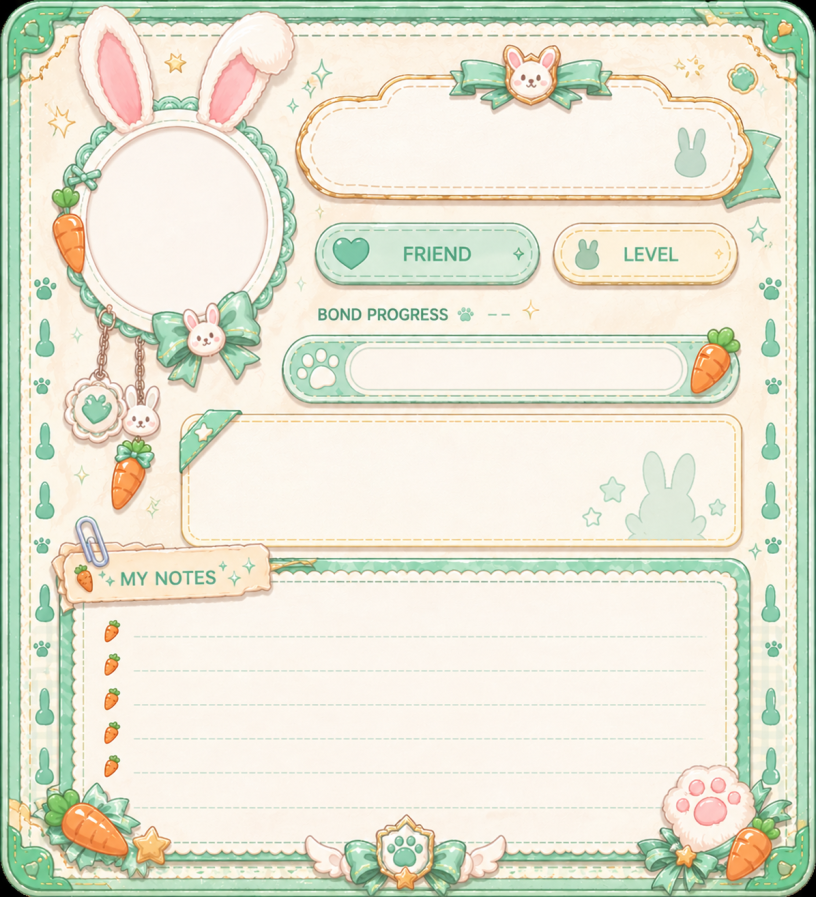
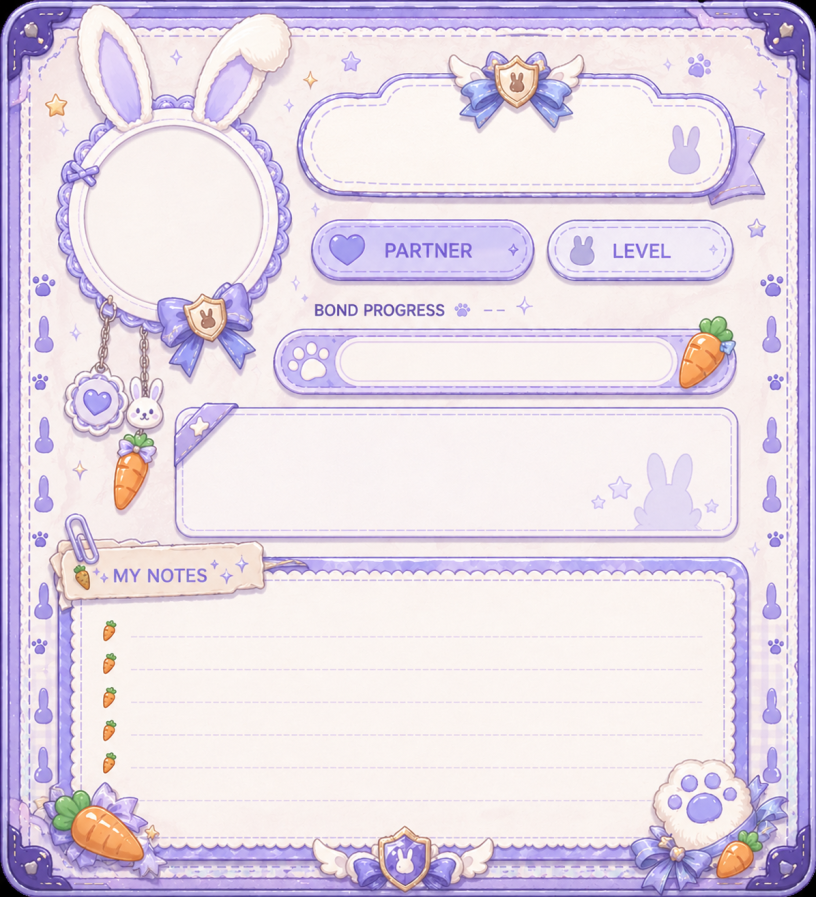
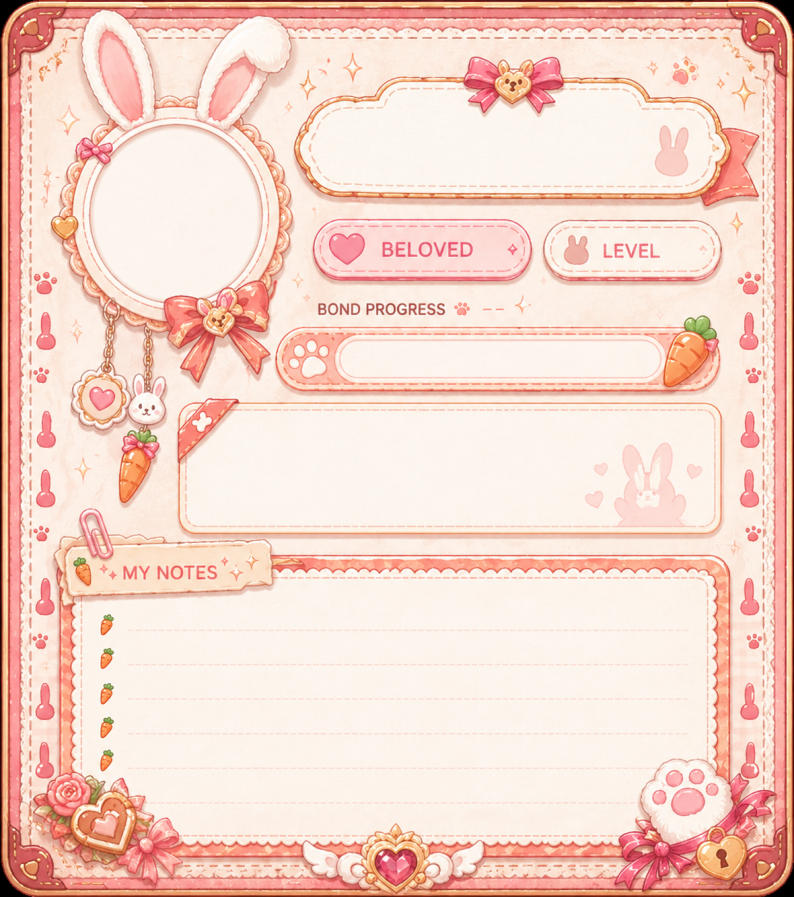
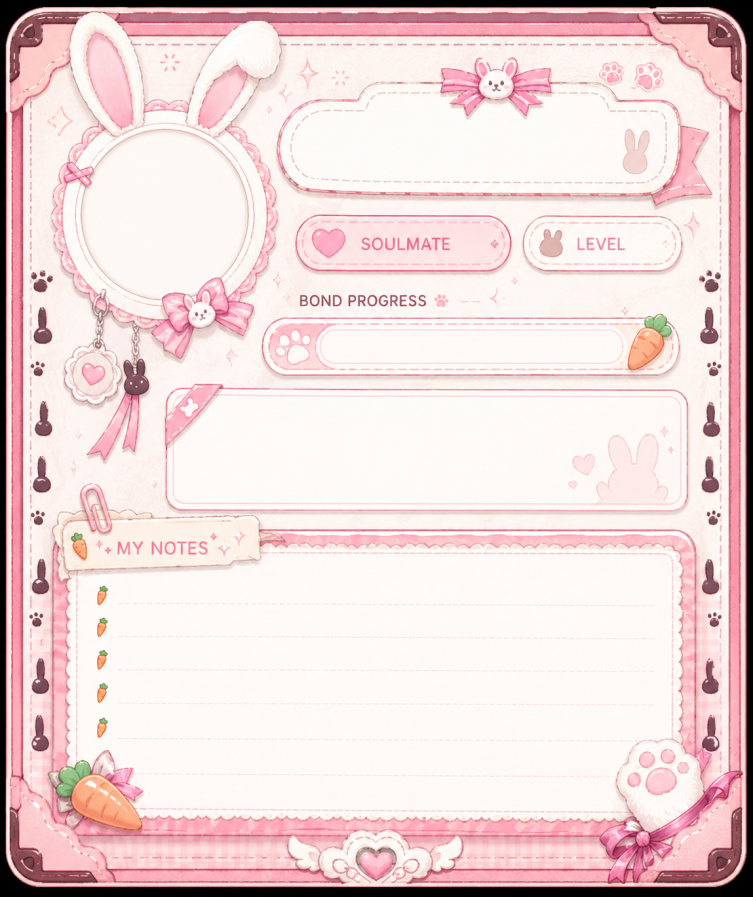
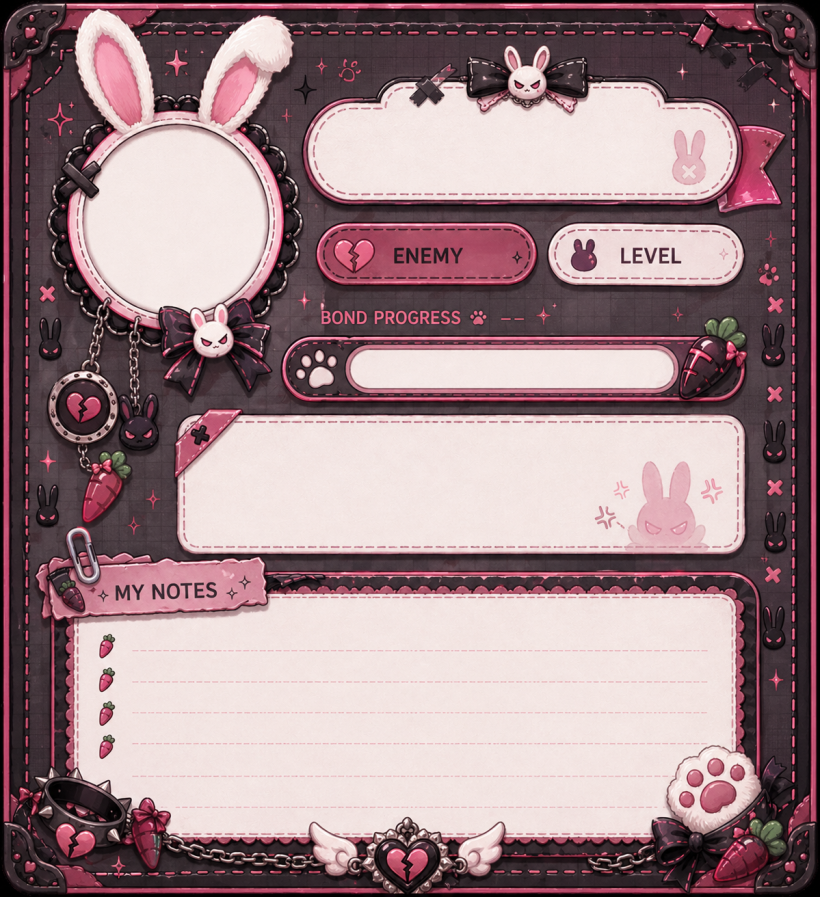
Special bypasses: Owner, Special Guest (permanent), and Spotlight Pass (active creator program) are always allowed full bond 0–100 regardless of subscribed plan.
A free Windows app that puts Alice on your desktop as a 3D bunny. She chats, remembers you (same memory as Discord), helps with NIKKE, reminds you, talks, listens and can open things for you.
Download it on the Desktop page, run the installer, open the app, then go to Account → Link with Discord. You get a code and approve it on this website.
Yes to download and use. Her brain uses Bond Energy (your Friend plan includes 150 a month), or you can use your own AI key (a small Bond Energy fee still applies for her memory and NIKKE data).
Not yet. It works on Windows 10 and 11, 64-bit.
The app isn't code-signed yet, so Windows doesn't know the publisher. Click More info, then Run anyway. Always download it from the Desktop page on this website or from our official releases page.
By itself: it downloads updates in the background and installs them when you restart it. In the app, About → Updates has “Check for updates” and “Repair”.
Windows Settings → Apps → MG Alice AI. To remove your local data too, delete the folder %APPDATA%\Alice. Your Discord memories stay until you delete them in Account → Memory.
Every month: Friend (free) 150, Pro 450, Pro+ 1,400 and Wonderland 2,500. Energy refills every 30 days, and you can top up any time with an energy pack.
One-time top-ups for any plan: 500 energy for €1.99, 1,500 for €4.99 and 4,000 for €9.99. Pack energy is used only after your monthly Bond Energy and never expires.
You can buy them on the Premium page. A pack can be refunded within 7 days of the purchase if its energy hasn't been used.
With Alice's brain: a chat or reminder is 4 Energy, a boss question 18, units / meta / cubes / lore 24, a team 42, one “look at my screen” 6. Two lookups in one message cost the more expensive one.
Her little comments, her memory, game awareness, the free voice and the mic cost nothing.
10 Bond Energy per hour with Alice's brain (1 per hour with your own AI key), charged by the minute and only while it is on. She stops by herself when you're out of energy.
You pay your AI provider for the words. Each answer also uses a small Bond Energy fee (1 for a chat, up to 12 for a team) because her memory and NIKKE data run on our server.
No. Your voice is turned into text on your PC and thrown away: it is never recorded to a file, and only the words she understood are sent, like typing. In Push to talk the microphone is only used when you press the hotkey. With “Mic on” it stays open but she stays quiet unless she hears her name, so a TV, a call or your game can't make her answer (and use Bond Energy). Ctrl+M mutes and unmutes her ears.
Only when you ask (“look at my screen”) or when you turn on “Watch with me”. Each look is one picture, used once and never saved. You can switch it off, or make it ask every time.
No. She can only open apps you added, open websites in your browser, play music through your browser and press the media keys, and only if you allow each of those. She never clicks or types for you.
The key is stored encrypted by Windows on your PC and is only used to talk to your provider through our server for that request. It is not stored or logged on our side.
No. It is an unofficial, fan-made companion.
Open About → Repair in the app, or install the newest version from the Desktop page. Your settings and memories stay.
Windows Settings → Privacy & security → Microphone → allow desktop apps. Then pick the right microphone as Windows' default.
Another app may already use it. Pick another hotkey on the Voice page in the app.
Install the app there and link your Discord. Your memories follow you. You can unlink old PCs on the link page.

Still have questions?
Didn't find what you needed? Ask me directly in the support Discord — I'm usually around.