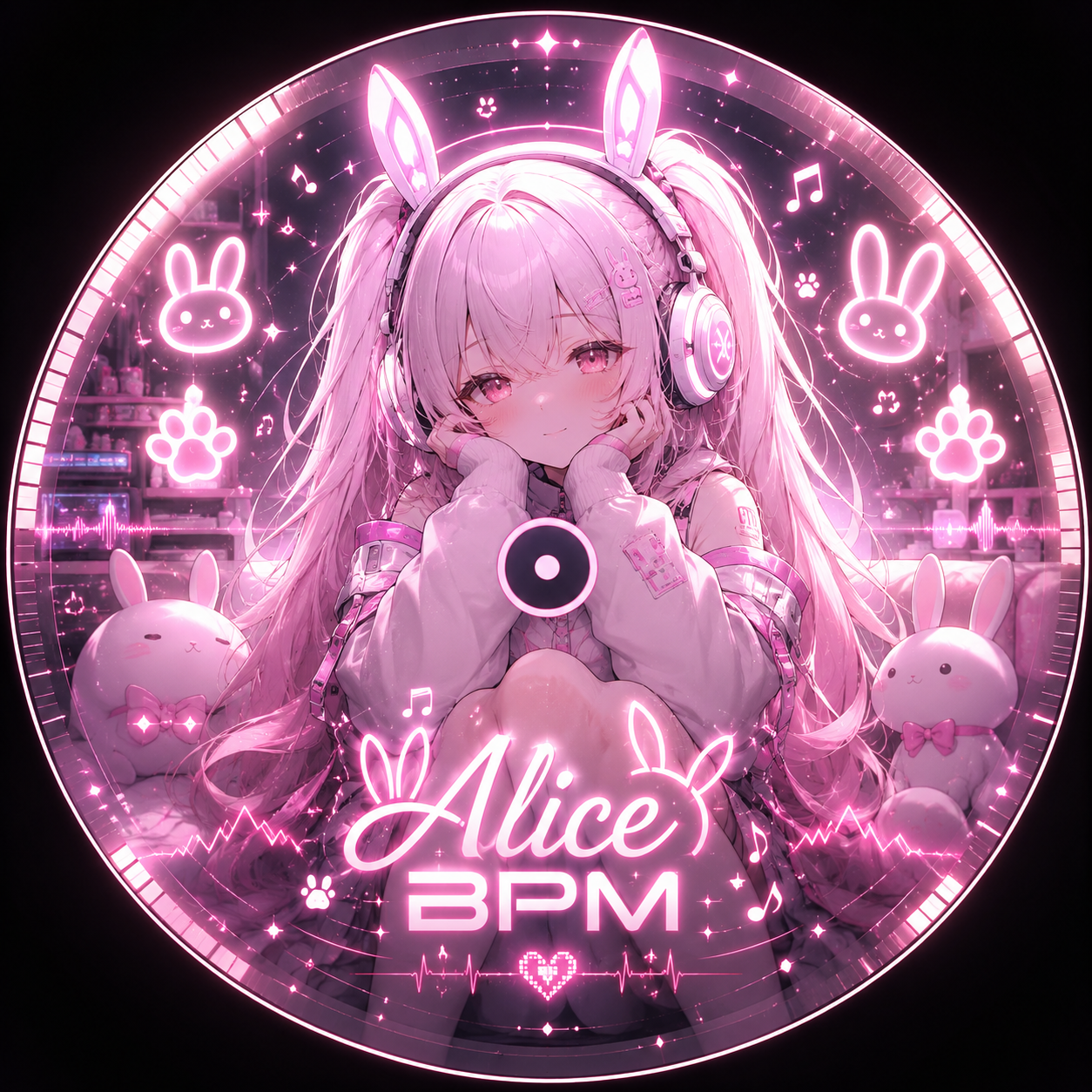
Alice lives on your desktop now.
MG Alice AI is the same Alice you know from Discord, as a little 3D bunny on your taskbar. She remembers you, helps with NIKKE, reminds you, talks, listens, and can even watch your game with you. Free to download.
Download for Windows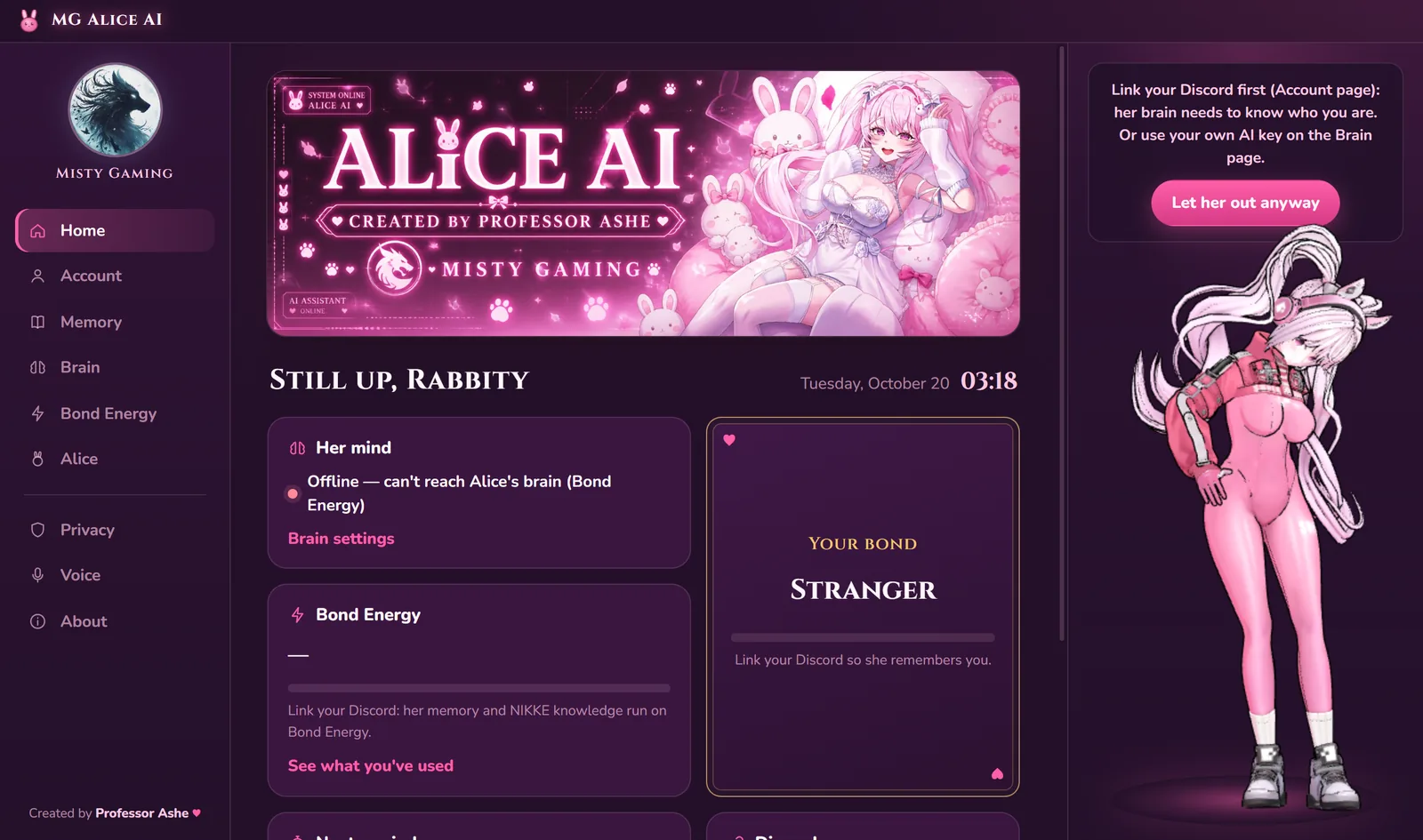
What she does
A 3D Alice stands on your taskbar. Pat her, poke her, pick her up and throw her. She sits on her pouf, naps in her bed, stretches and dances.
Link your Discord once. Your bond, your memory facts and your Bond Energy are shared with Discord Alice. Tell her something on the desktop and she knows it on Discord.
Units, bosses, meta, teams, cubes, lore. Short answers like on Discord, not a wall of text. Ask for more and she gives the full detail.
Type in her chat box (Ctrl+Alt+A), or talk to her with your mic. Push to talk: press Ctrl+M, then speak. Mic on: her ears stay open, you say “Alice, …” and she answers, and for a while after you can keep talking without her name; Ctrl+M mutes and unmutes her ears. Her ears run on your PC, and your voice is never recorded or sent.
A free voice that runs on your PC (or your own ElevenLabs voice), with her mouth moving.
“Remind me in 20 minutes to drink water.” She pops up when it's time, even offline.
“Open Steam”, “play Bad Guy”, “search YouTube for NIKKE tier list”. Only apps you added, only if you allow it.
She notices which game you're playing and cheers you on. Say “look at my screen” and she tells you what she sees, or turn on “Watch with me”.
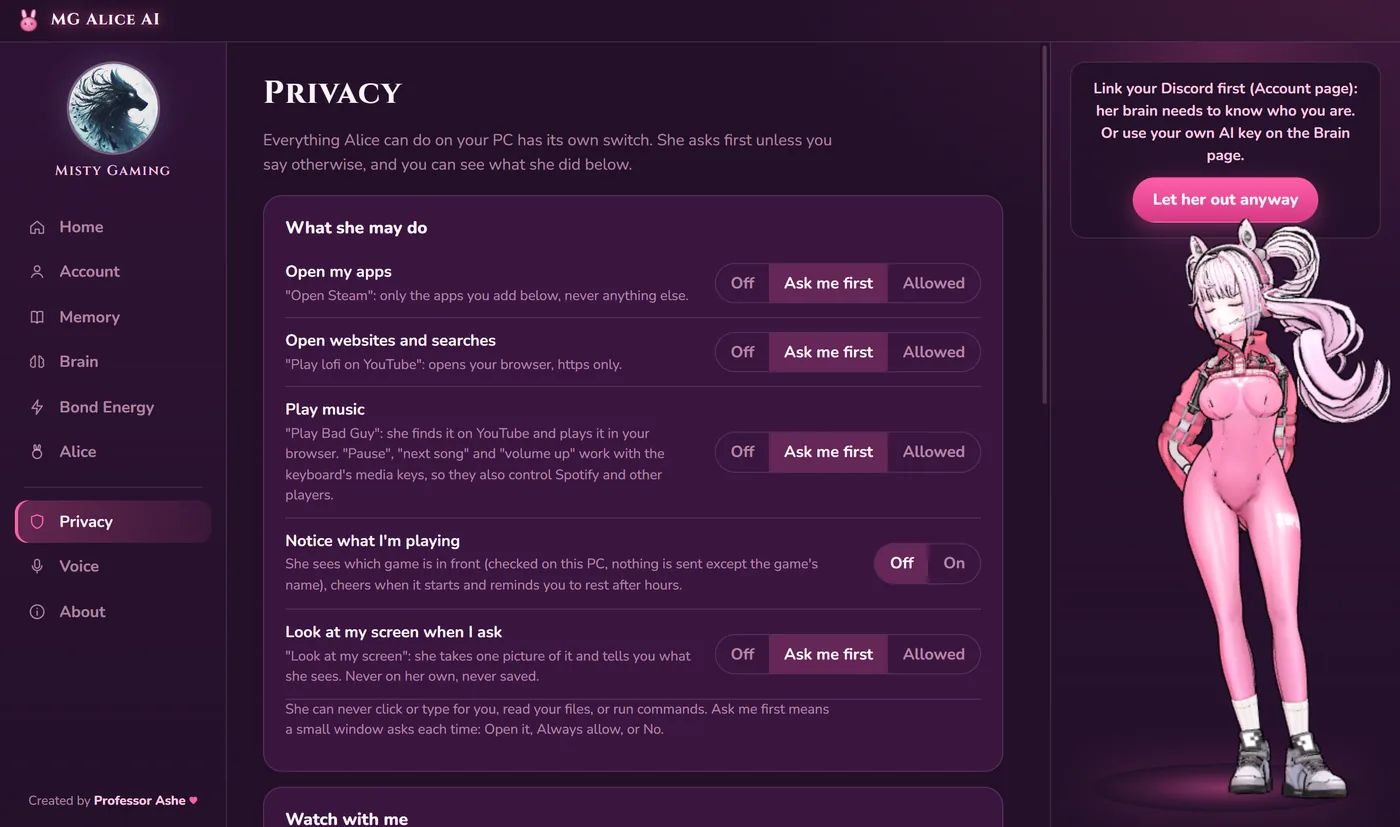
Every ability has its own switch: Off, Ask me first, or Allowed. She never clicks or types for you, and you can see what she did lately.
New versions download in the background. Your settings and memories stay.
You decide what she may do
Every ability has its own switch. She asks first unless you say otherwise.
You see what everything costs
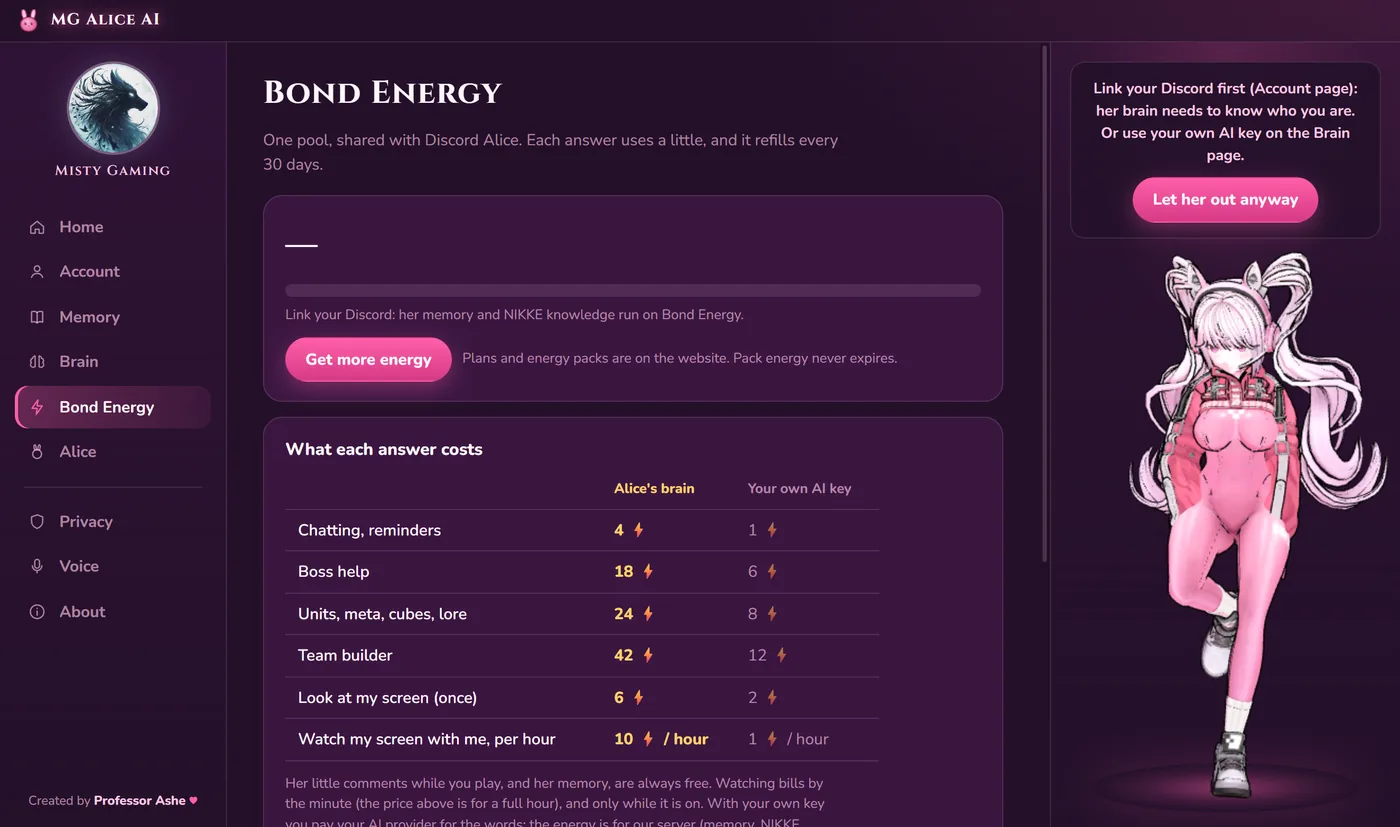
One Bond Energy pool, shared with Discord. Her little comments and her memory are always free.
Two ways to power her brain
Pick whichever you like. You can switch any time.
- Setup: none. Link Discord and talk.
- Costs: Bond Energy. A chat is 4, a boss question 18, a team 42.
- Best for: everyone.
- Setup: paste a key from Groq (free tier), OpenRouter, OpenAI or any OpenAI-compatible service.
- Costs: your provider charges you for the words, plus a small Bond Energy fee (a chat is 1, a team 12) for her memory and NIKKE data.
- Best for: people who want their own model.
Her little comments, her memory, game awareness, the free voice and the mic cost no Bond Energy. Plans and energy packs are on the Premium page.
Your privacy
- Her ears run on your PC. Your voice is never recorded to a file or sent anywhere: only the words she understood are sent, like typing.
- Screenshots are only taken when you ask or when you turn on Watch with me. Each one is sent for that one look and never saved.
- Window titles never leave your PC. Only the name of a recognised game is used.
- Your AI key (if you use one) is stored encrypted by Windows on your PC.
- You can unlink a PC any time on the link page.
The details are in the Privacy Policy and the Terms of Service.
How to start
- 1Download and installIt takes about a minute.
- 2Link with DiscordOpen MG Alice AI → Account → Link with Discord. You get a code, then approve it on this website.
- 3Say hiOpen the Privacy page in the app to choose what she's allowed to do.
System requirements
- Windows 10 or 11, 64-bit.
- Installer 138 MB; about 470 MB installed.
- Optional downloads, only when you turn the feature on: her voice (about 90 MB) and her ears for the mic (about 660 MB). The mic needs roughly 1 GB of free memory while it is on.
- An internet connection (her brain lives on our server). Reminders and her built-in lines work offline.
- A microphone, only for the mic feature.